17 posts tagged with "api"

View All Tags

Custom layout map API

· 4 min read

Stefan Benicke
Senior Developer @ Eyeson

Developers are free to create and apply their own custom layout maps whenever they need it! You need a special layout for your app? Just go ahead and create it!

The existing layout endpoint is extended with the new parameter map. The map is a JSON stringified list of box-definition-lists with x, y, width, height, and objectFit definitions for each box.

Here's an example map that places 2 boxes (640x360px) above eachother in the center of Eyeson One View's stream.

[
[320, 0, 640, 360, "auto"],
[320, 360, 640, 360, "auto"]
]

Snapshot API changes

· 3 min read
Stefan Benicke
Senior Developer @ Eyeson

This change affects Custom UIs using Eyeson Javascript or one of the mobile SDKs.

When a new snapshot is created, the update event will only include a list with the latest snapshots instead of all existing snapshots of the current meeting.

caution

The old snapshot behaviour will shut down on 11th of September.

Furthermore, there will be 2 new API endpoints for retrieving the most recent snapshot information.

Customize the meeting video background color via API

· 3 min read
Stefan Benicke
Senior Developer @ Eyeson

We provide the new option background_color to let you customize the meeting video background color to your needs.

The option is only available on the meeting start request, see API room reference. It can not be changed during the meeting.

The following example shows how to use the new option with curl.

$ curl -X POST \
-H "Authorization: YOUR_API_KEY" \
-d "user[name]=John Doe" \
-d "options[background_color]=#121212" \
https://api.eyeson.team/rooms

How to setup a video meeting platform using Eyeson and ruby

· 5 min read
Christoph Lipautz
Alumni @ Eyeson

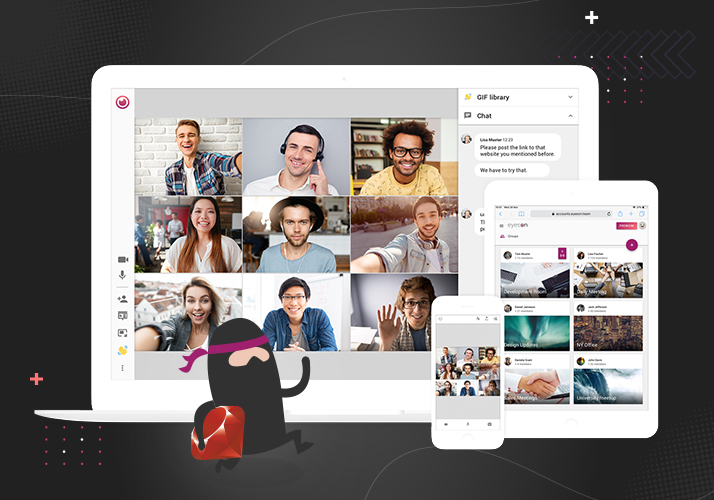
This tutorial provides a practical example of how to setup a video platform using the Eyeson API service. The application uses the [Eyeson ruby gem], the web application framework [Sinatra] and hosting platform [Heroku]. By following the steps in the how-to you will have a website up and running, providing an entry point for a shared video meeting room. The participants can join the meeting without any registration or sign up, and will return to the application website after exiting the meeting.

Cover image